


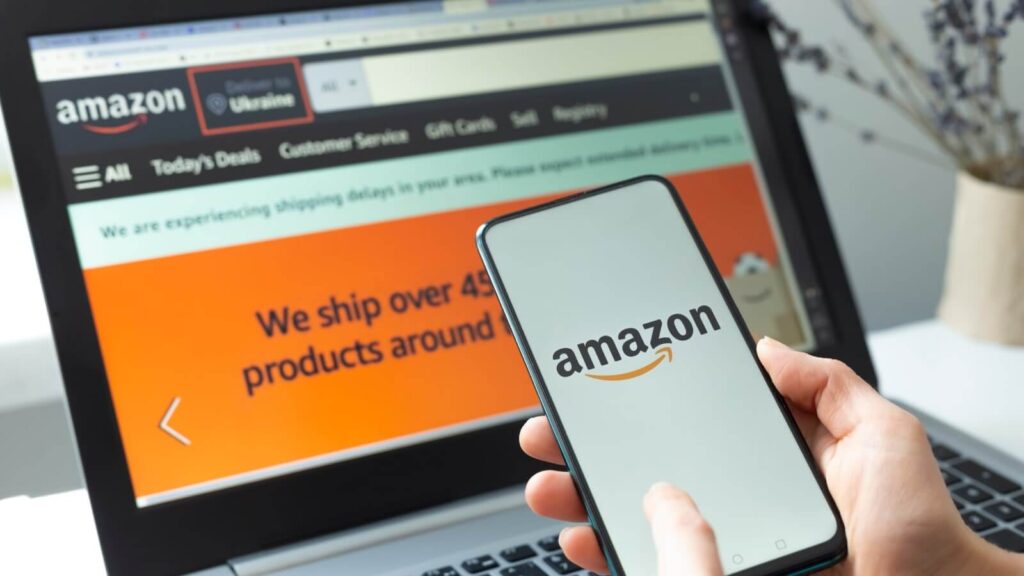
Now that your Amazon Affiliate account is ready, let’s learn how to actually start earning from it.
This part will teach you:
✅ How to generate product links
✅ Where to promote them (even without a blog)
✅ Amazon’s rules (that you must follow)
✅ What categories give better commissions
Step-by-Step: How to Create Affiliate Links from Amazon
Method 1: Using Amazon SiteStripe (The Easiest Way)
When you’re logged in to your affiliate account, Amazon will show a thin bar at the top of every Amazon product page.
That’s the SiteStripe.
Here’s how to use it:
- Go to any product on Amazon.in
- On the top bar, click on “Get Link” → Text
- Copy the shortened link (looks like
https://amzn.to/xyz) - Paste it wherever you’re promoting
Example:
Let’s say you want to promote a budget smartphone.
Go to that phone’s Amazon page → click “Get Link” → copy and share.
That’s it.
Method 2: From the Amazon Associates Dashboard
- Log in to affiliate-program.amazon.in
- Go to “Product Linking” → “Product Links”
- Search for any product
- Click “Get Link” and copy the HTML or URL version
⚠️ Use this method if SiteStripe isn’t showing.
Where Can You Promote Amazon Affiliate Links?
You don’t need a fancy website. You just need reach. Here are options:
1. Blog or Website
- Write product reviews, listicles, comparisons
E.g., “5 Best Earphones Under ₹1000 in India” - Insert your links in the post
- Focus on SEO (so people search and land on your article)
2. YouTube Channel
- Create unboxing, tutorials, or top 5 lists
E.g., “Best Laptops for Students in 2025” - Put your links in the video description
- Say “Link in the description” in your video to guide viewers
3. Instagram or Facebook
- Use the link in bio (via tools like Linktree)
- Create story highlights with product reels
- Share “Before/After” reels of products you personally use
4. WhatsApp / Telegram Groups
- Share links in niche groups
E.g., “Deals of the Day”, “Fashion Finds”, “Study Tools for Students” - Add a little story or use case before sharing “Hey guys, I bought this ring light under ₹600—it’s perfect for Zoom calls!” (add link)
5. Quora or Reddit (Strategically)
- Answer questions and naturally recommend products
- Don’t be spammy—share value first
- Some platforms don’t allow direct affiliate links, so shorten via blog or Linktree
Amazon Affiliate Rules You Must Follow
To keep earning safely, don’t break these:
- No Email Promotion: You can’t send affiliate links in bulk emails.
- No Ads on Affiliate Links: You can’t run Google/Facebook ads directly on your Amazon link.
- No Masking: Don’t hide affiliate links as something else.
- Disclosure: You must say that your post contains affiliate links.
✅ Example: “As an Amazon Associate, I earn from qualifying purchases.” - No WhatsApp Status Spamming: Casual sharing is fine, mass spam = risk.
⚠️ If you violate terms, Amazon can ban your account without warning.
Understanding Amazon Commissions (India-Specific)
Not all products pay the same. Here’s a quick idea:
| Product Category | Approx. Commission |
|---|---|
| Fashion & Apparel | Up to 10% |
| Books | ~5% |
| Electronics (Phones) | 1–2% |
| Home & Kitchen | 5–7% |
| Beauty & Personal Care | 7% |
| Amazon Devices | 0% – 2% |
Pro Tip: Promote high-converting + medium commission items like personal care, kitchen tools, books, or fashion deals.
Real-Life Example:
Let’s say:
- You promote a ₹999 Trimmer
- 20 people click your link
- 4 of them buy (total ₹3996)
If commission is 5% → You earn ~₹200
Now repeat this daily or weekly, and you’ve got passive income building up!
Coming Up in Part 3:
Next, I’ll show you:
- How to write content that sells without sounding salesy
- How to use “Top 5” and “Best under ₹xxx” style posts
- Free vs Paid promotions (what’s worth trying)
- One simple trick to increase affiliate earnings fast














Leave a comment